Categories
Overview
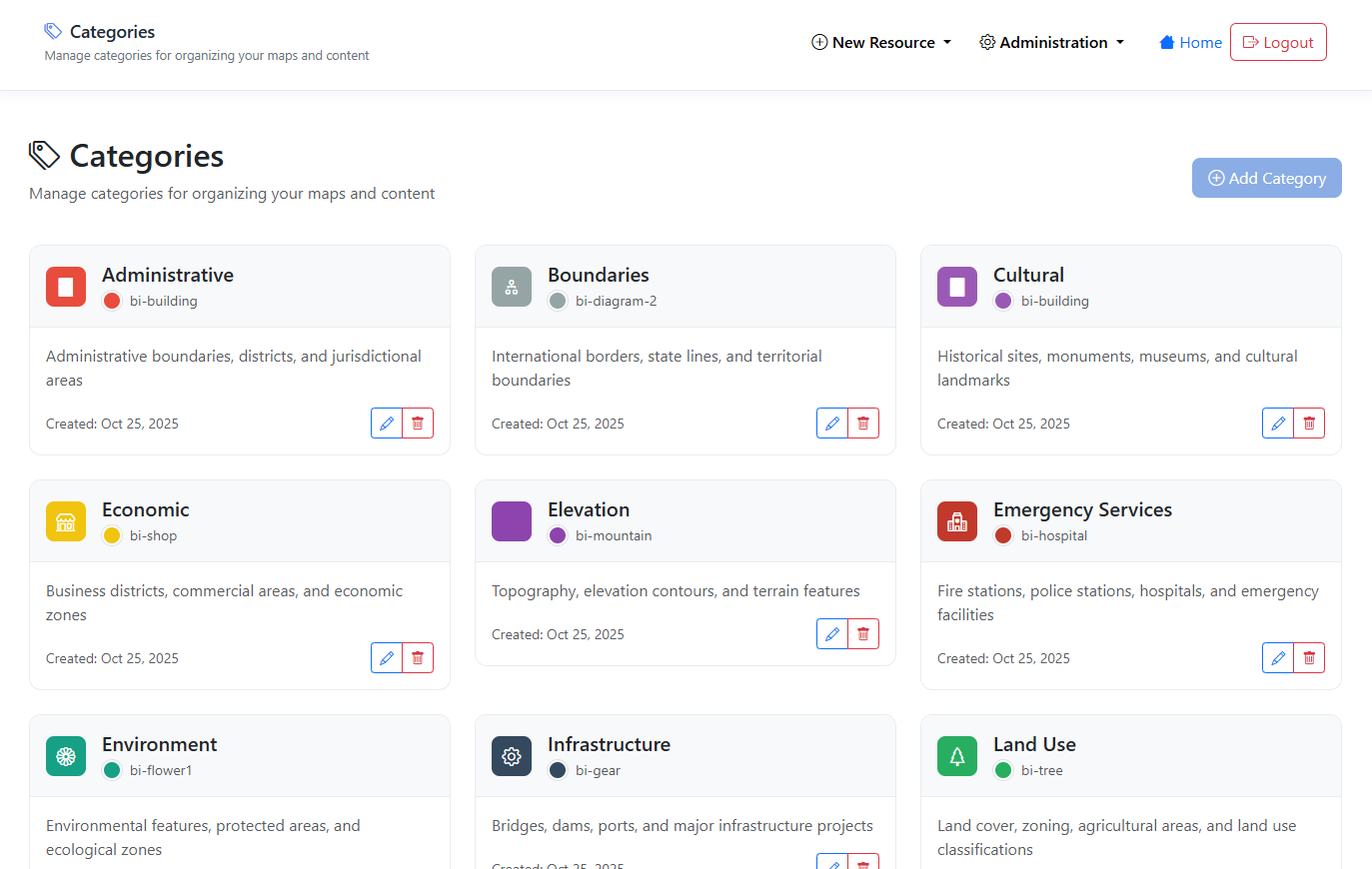
Categories are used for Search and organization.
GeoLite comes preopulated with common Categories. These can be edited or deleted.
Create Category
To add a new Category, click the “Add New” button at top.

Give you Category a name and description and select color and icon.
Click Save
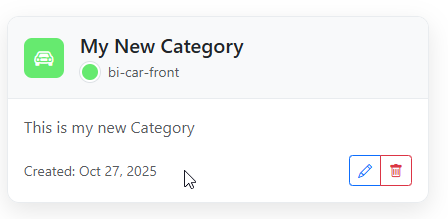
The Category has been created
Edit Category
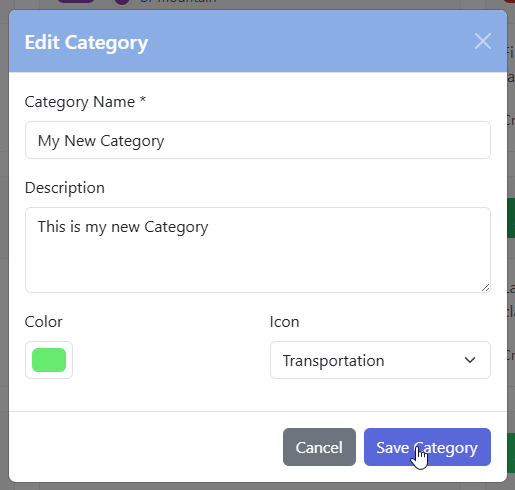
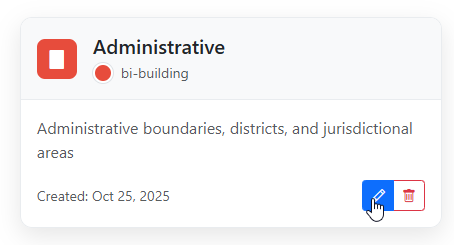
To edit a Category, click the edit icon
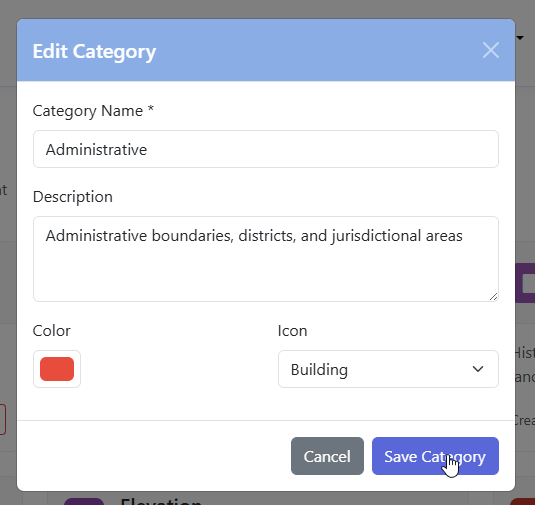
Make your edits and click the Save Category button
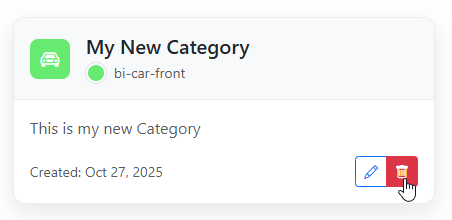
Delete Category
To delete a Category, click the delete icon
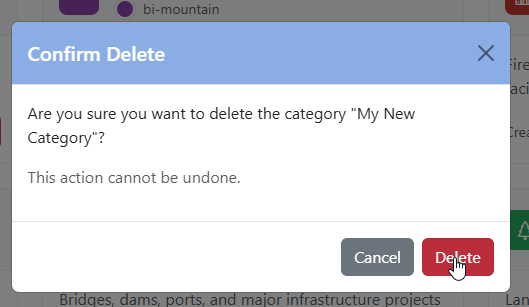
Confirm deletion