User Groups
Overview
Report permissions are granted to User Groups.
Add New Group
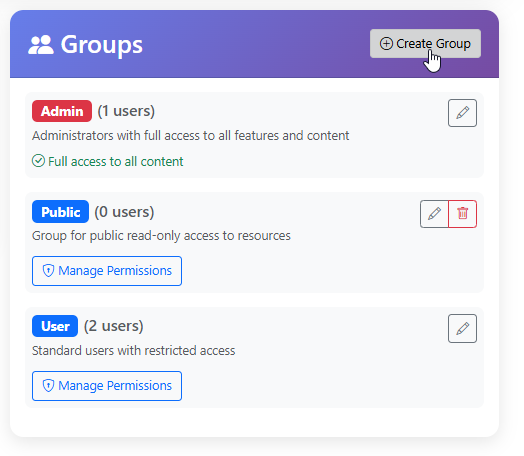
To add a new Group, click the “Create” button at top.
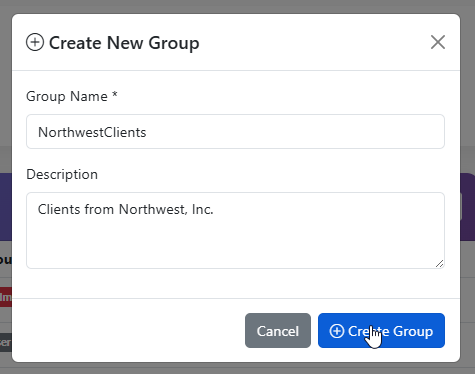
Enter a Name for the Group and a Description
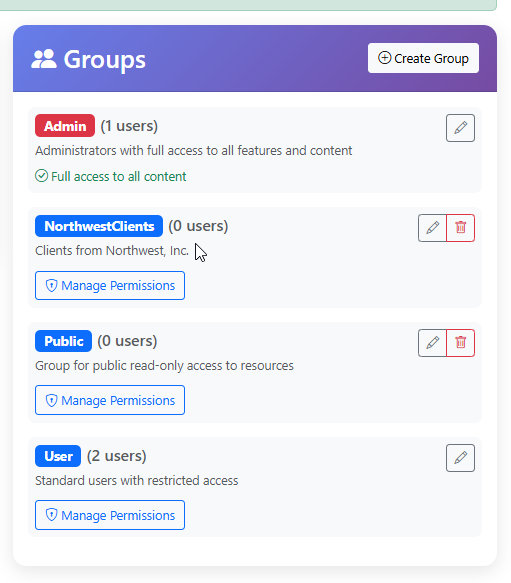
The Group has now been created
Add and Edit Members
Group members are added and edited via the User profile.
Delete Group
To delete a Group, click the Delete icon.