Permissions
Overview
Permissions on Resources (Maps, Dashboard, Documents, and HTML) are assigned to Groups via the Users page
Grant
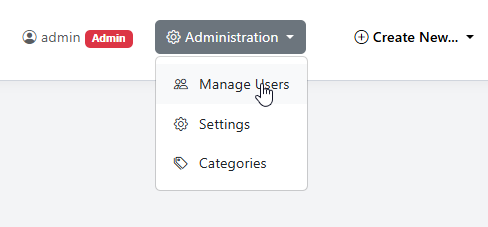
To assign permissions for a Resource, go to Administation > Manage Users
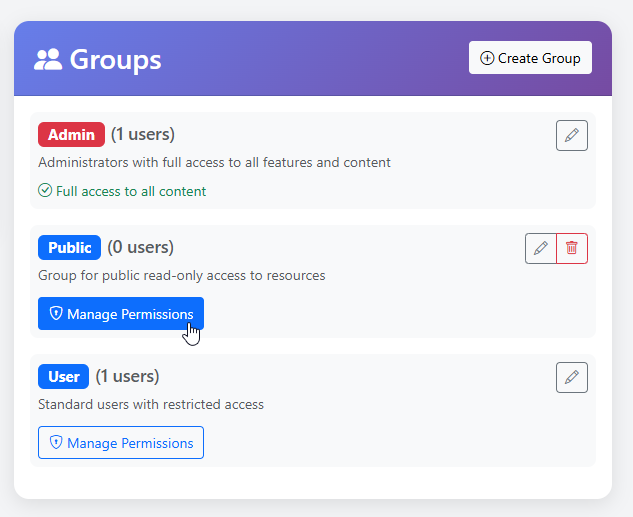
Click the Manage Permissions button for the Group
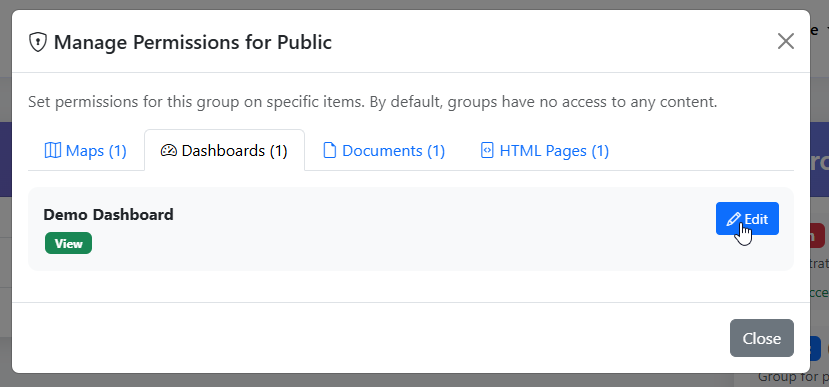
Go to the tab(s) for the resource and click the Edit button
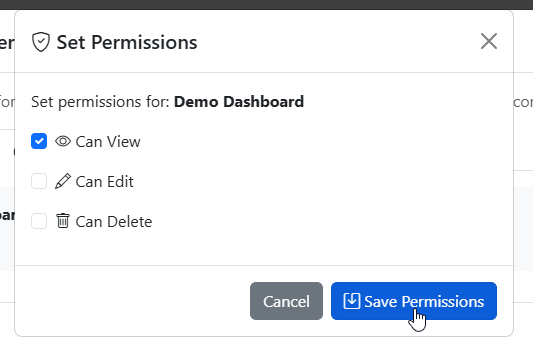
Assign the permissions you want for the Group
Edit Permissions
To edit permissions, click on Manage Permissions button.
Make the desired edits and click Update
Revoke
To Revoke permissions, click on Manage Permissions button.
Revoke the desired permissions and click Update