Documents
Overview
Documents can be uploaded to GeoLite and use Permissions like other Resources.
Create Document
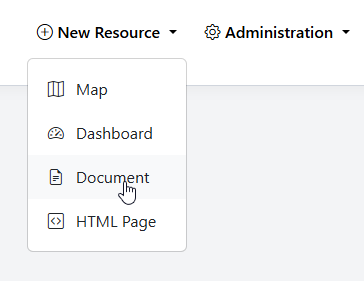
To add a new Document, go to Add Resource > Document
Give your Document a Name, Description, and (optionally) select a Category
Browse to the location of file
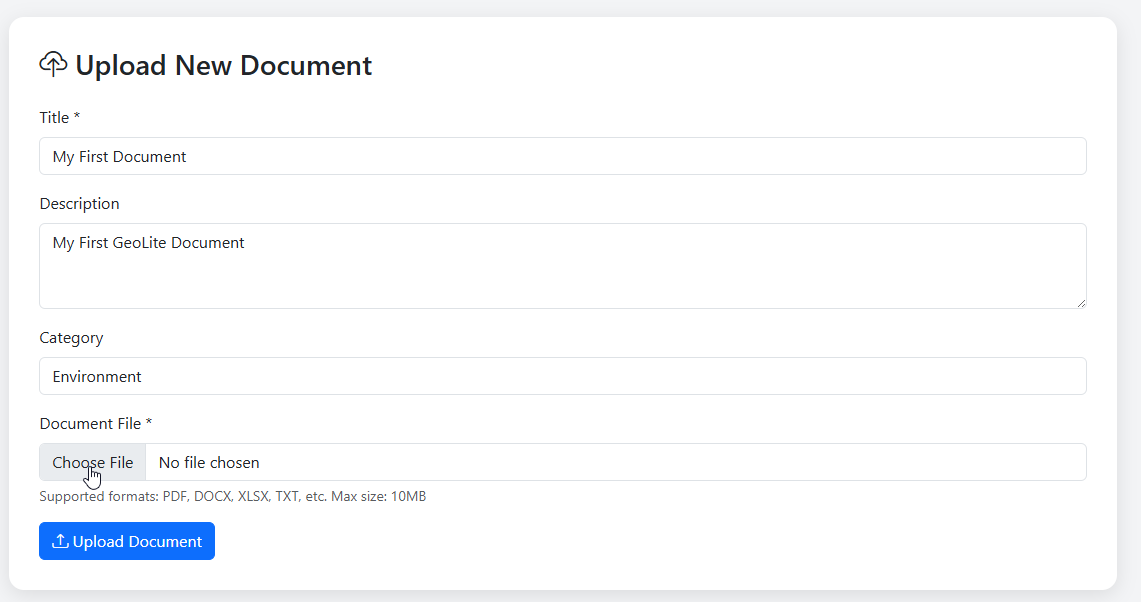
Click Upload Document
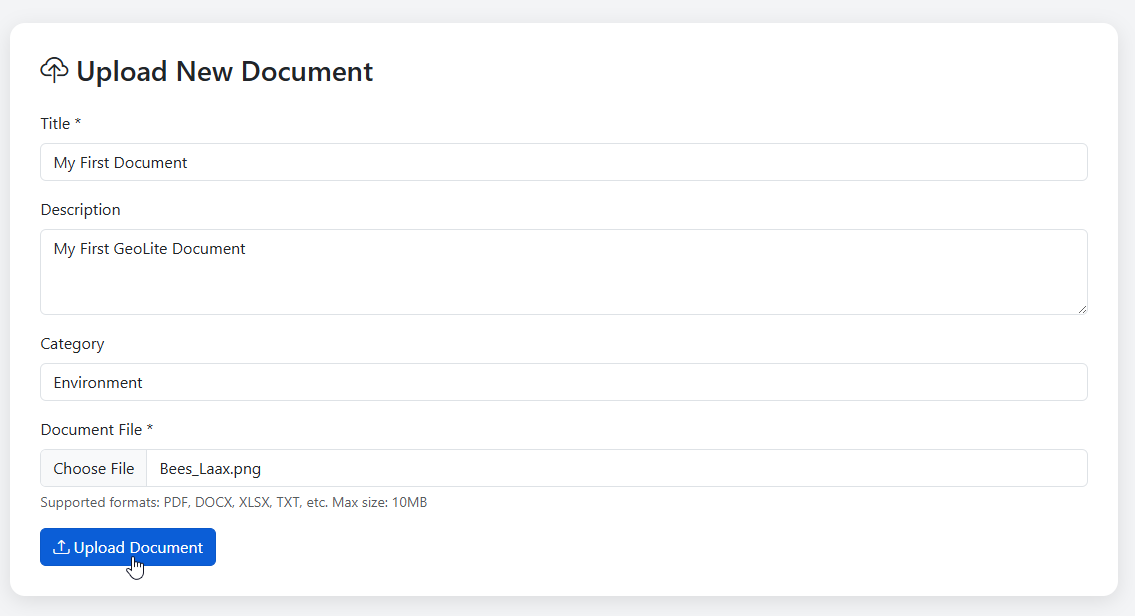
Your Document has now been added
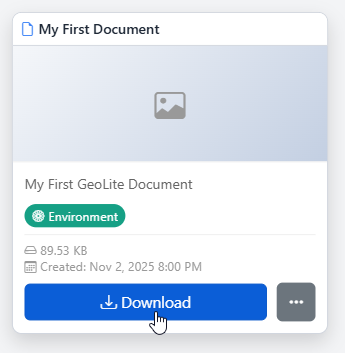
Document Thumbnail
To set a thumbnail for the Document, select Thumbnail on the menu
Chose your thumnail and click Upload
Edit Document
To edit a Document, click the edit link
Make any changes or updates, making sure to click Update Map as you go
Once completed, click the Update button
Delete Document
To delete a Document, click the delete icon