HTML
Overview
HTML widgets are used to add HTML and media content.
Create HTML
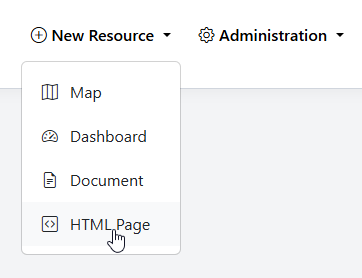
To add a new HTML page, go to Add Resource > HTML
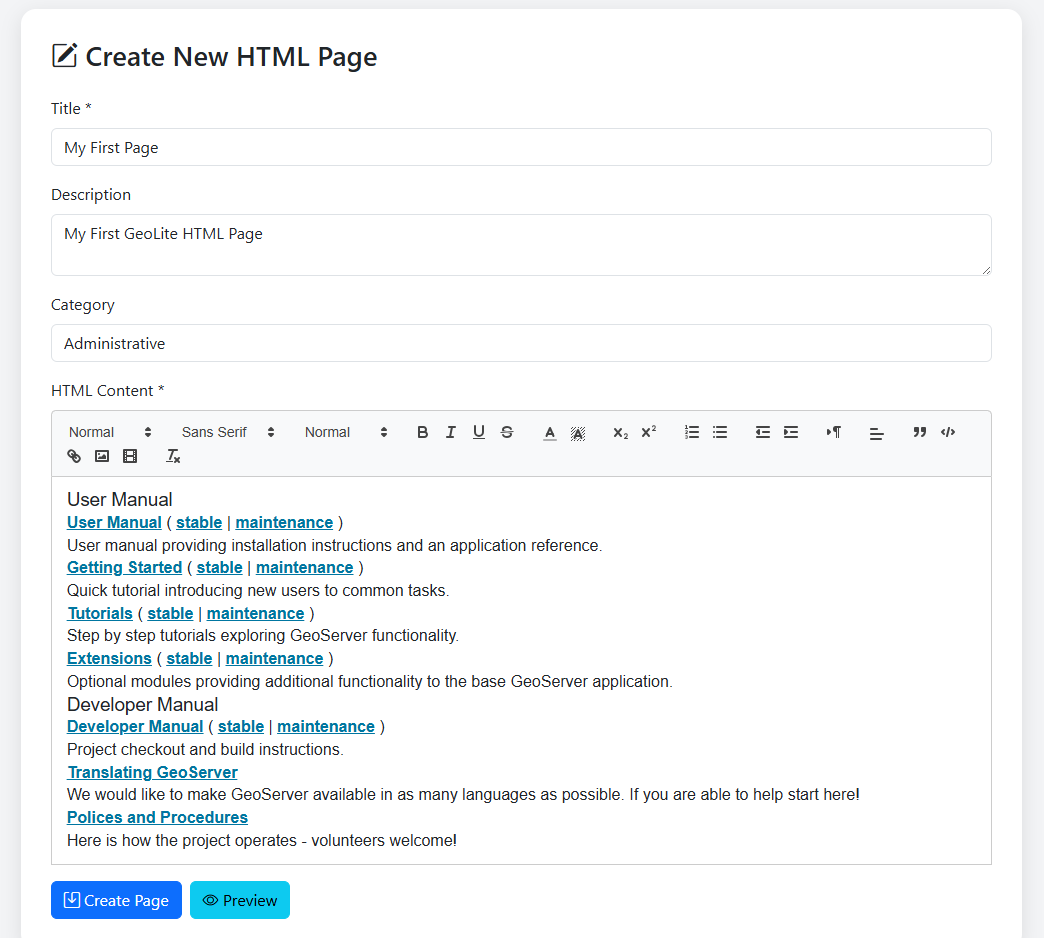
Enter the Title, Description, and (optionally), a Category.
Enter and style your HTML content
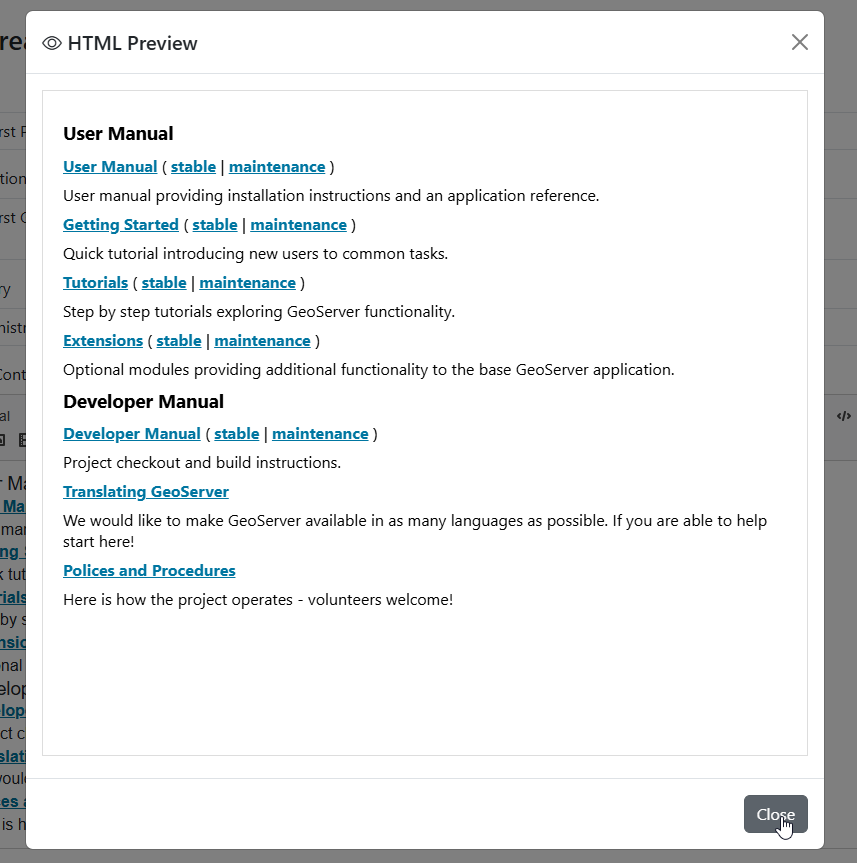
Use the Preview button to preview the content
Click Create Page
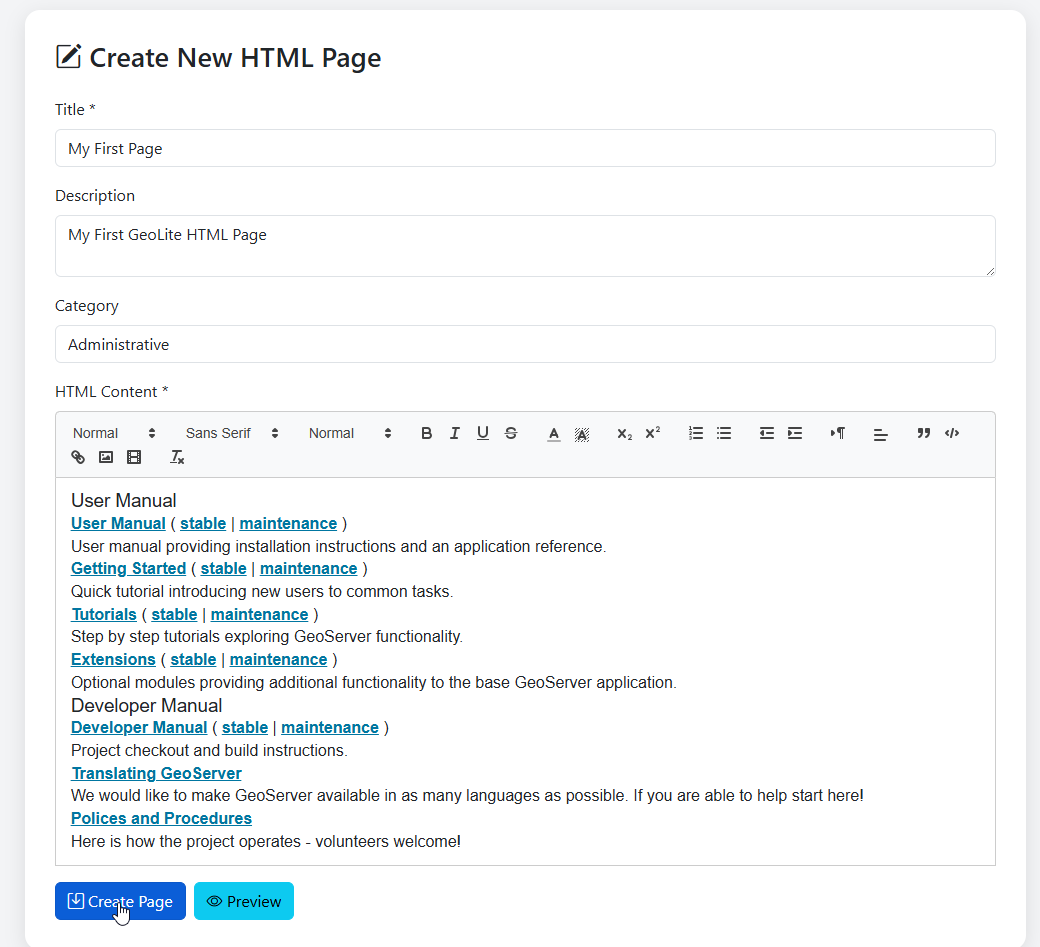
The HTML widget is created:
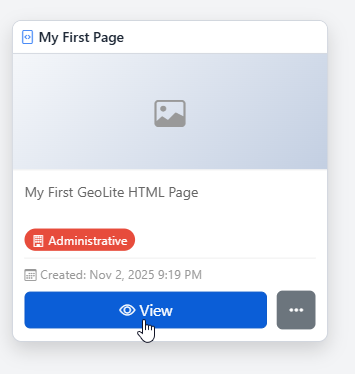
HTML Thumbnail
To set a thumbnail for the HTML widget, select Thumbnail on the menu
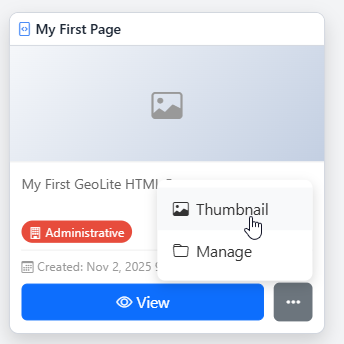
Upload the thumbnail image you wish to use
Edit HTML
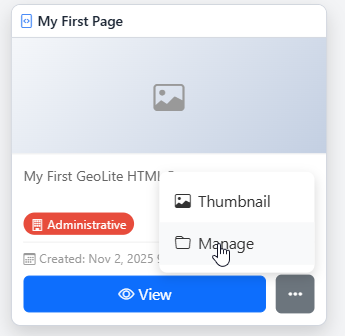
To edit a Map, click the Manage link
On the HTML management page, click Edit for your HTML widget
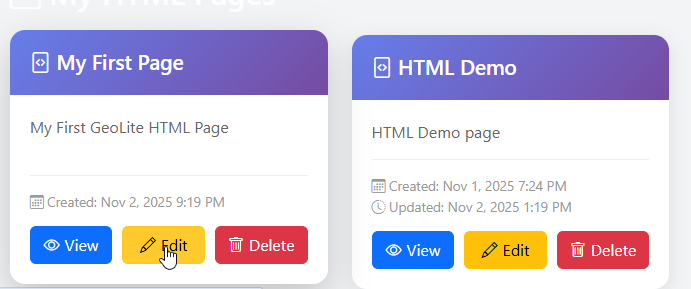
Make any changes or updates, making sure to click Update when done.
Delete HTML
To delete a HTML widget, click the delete icon for the widget on the HTML management page.