Users
Overview
Novella includes basic role based permissions.
User Types
GeoLite supports the following User types.
Additional types can be added.
Admins: All system privilages
Users: Can view resources for which they have permission
Add New User
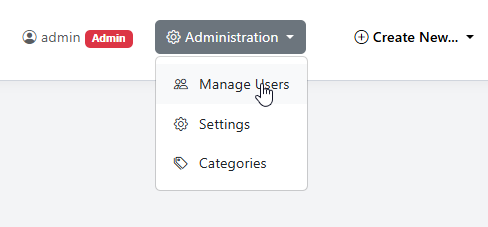
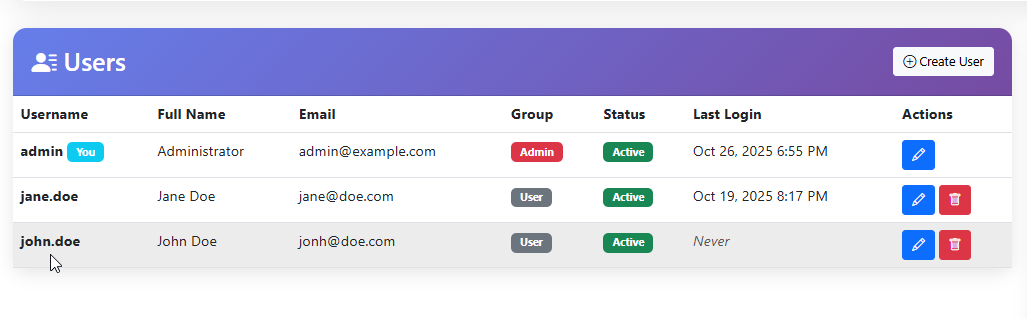
To create a new user, click on Manage Users in the Administration menu.
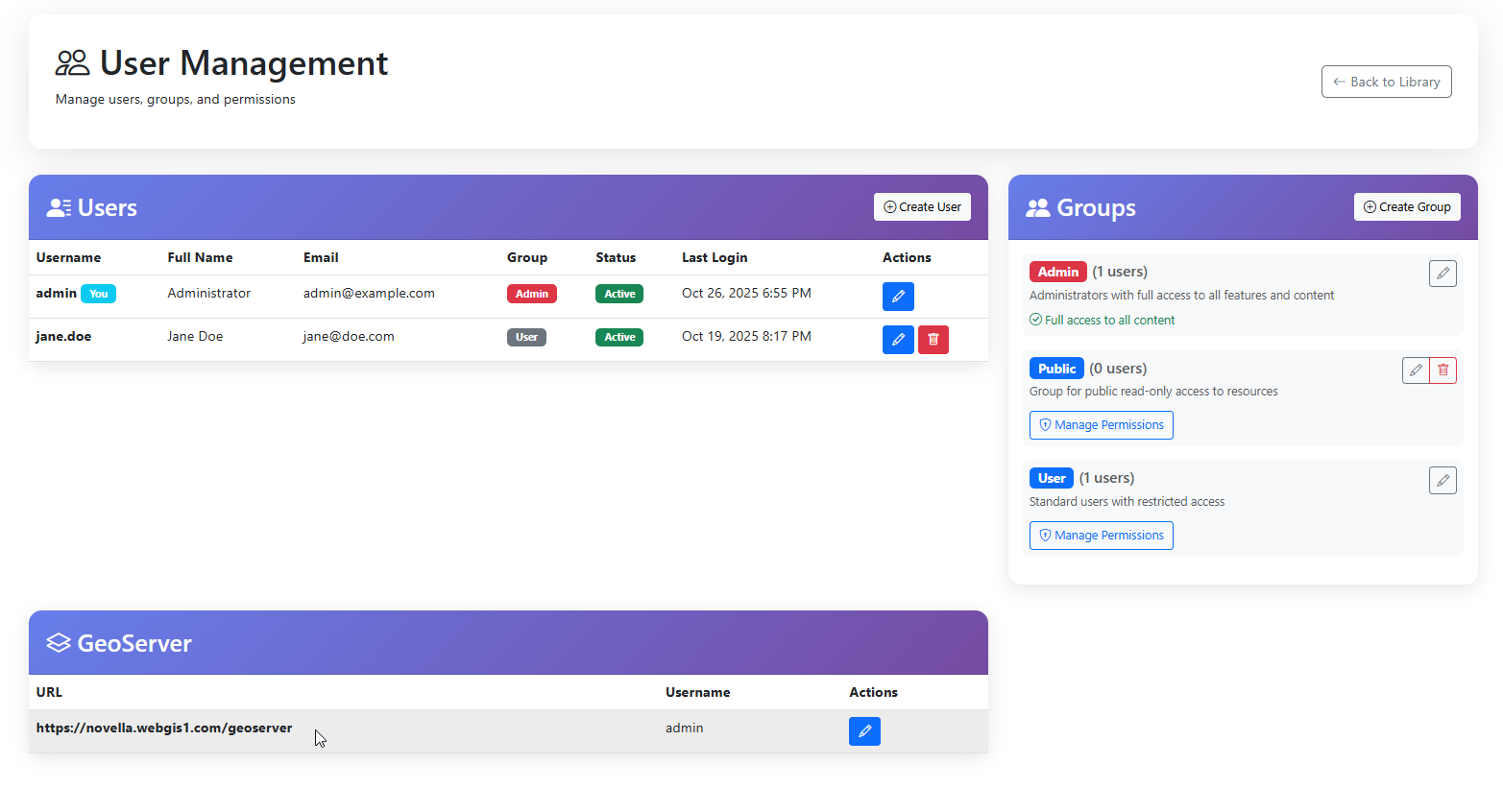
Users page looks like below
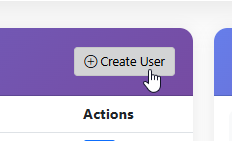
Click the Create button
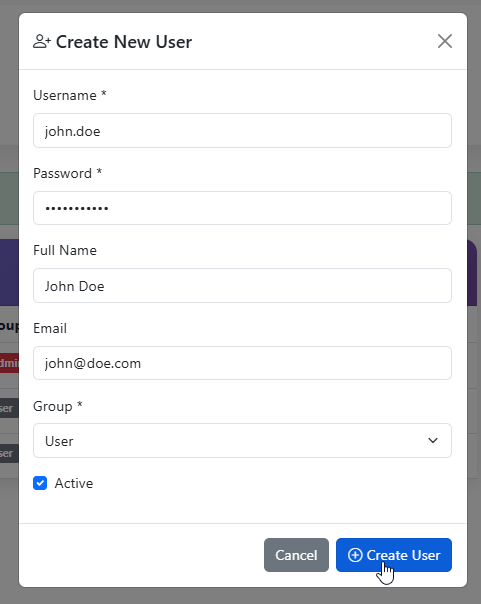
Populate the new User information
The User has been created.
Assign User to Group
You can assign a User to Group during creating or via edit.
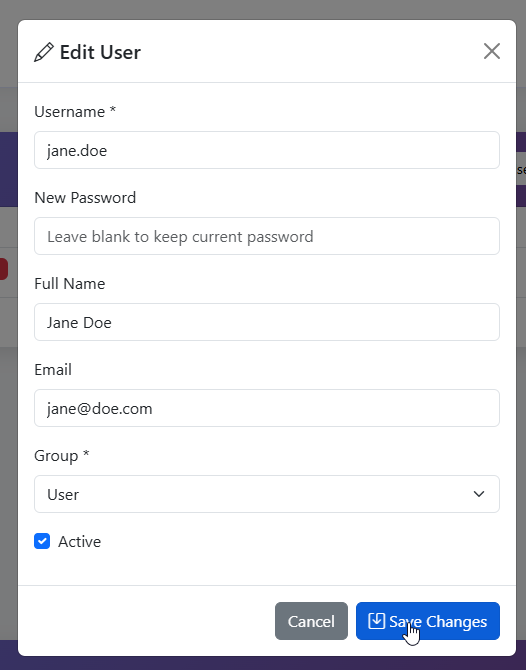
Edit User
You can edit users via the Edit link.
Delete User
You can delete users via the Delete link.