GeoServer
Overview
In order access your GeoServer layers, you will need to enter credentials for a REST user.
Below, we are using user ‘admin’.
Settings
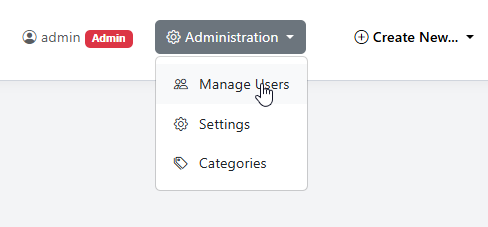
To set GeoServer credntials, go to Administation > Manage Users
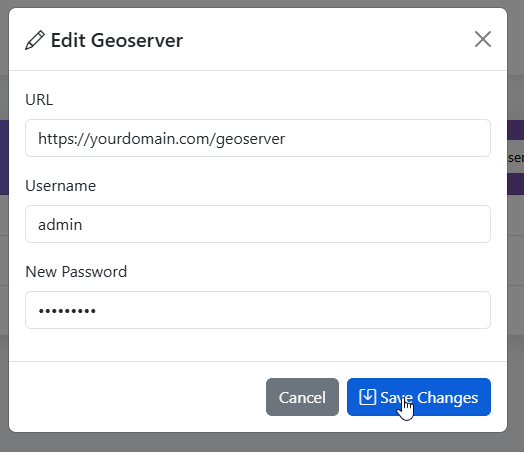
Enter your GeoServer URL and the REST username and password
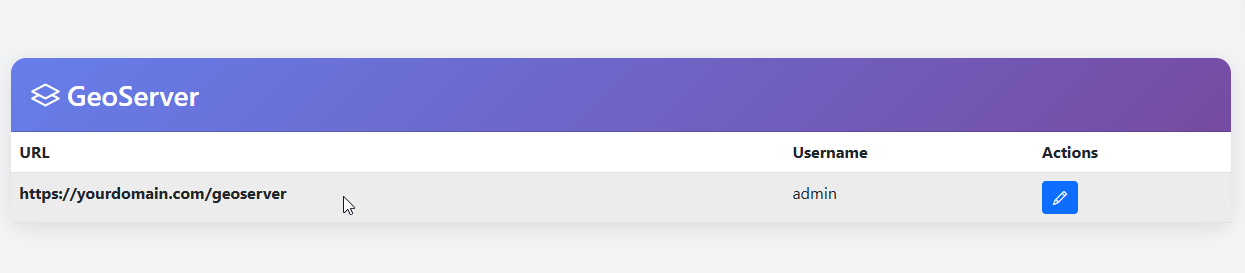
Your GeoServer information is now added
Edit
To edit GeoServer settings, click on edit button
Make the desired edits and click Update